Say Goodbye to Easy Installs: The Shifting Sands of HyperOS APK Sideloading
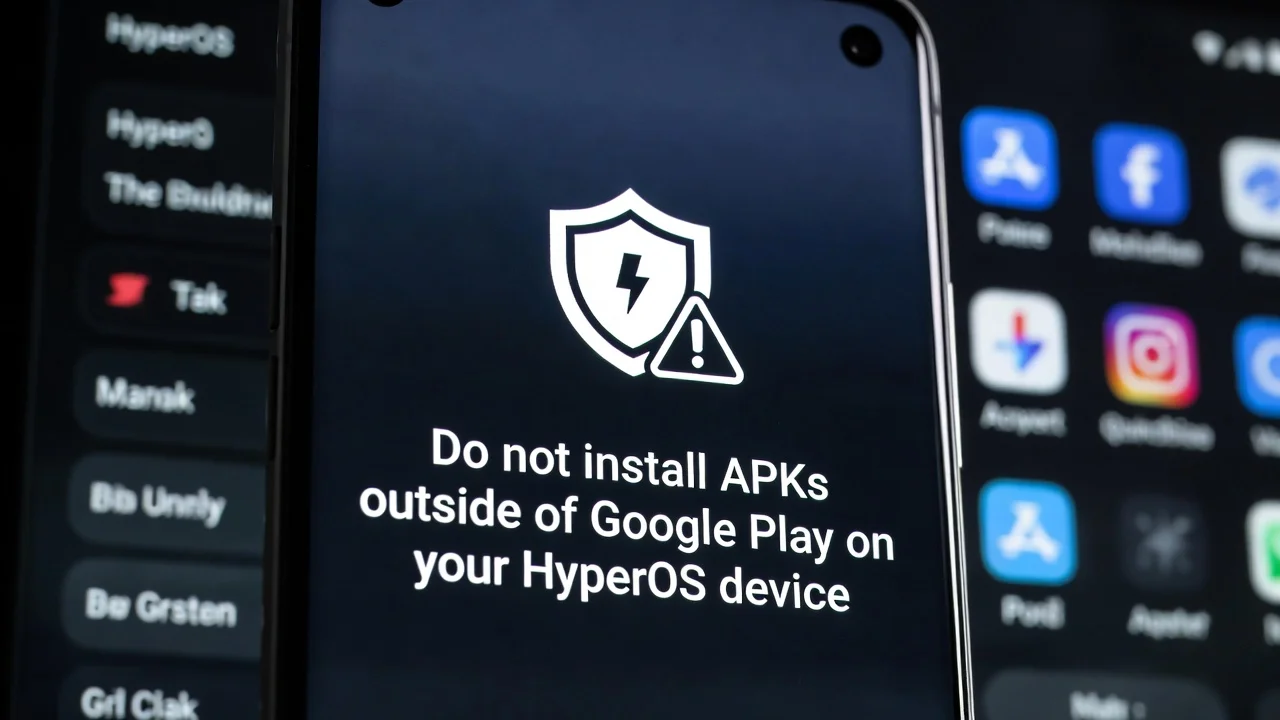
Hey Xiaomi fans! We all love the freedom our devices give us, right? From customizing every pixel to getting the latest app updates before anyone else, the Android ecosystem, especially with Xiaomi’s flair, has always felt like an open playground. But get ready, because one of those playground rules is about to change significantly. The era of super-easy HyperOS APK sideloading is slowly but surely drawing to a close, and it’s not just a whisper in the community; it’s a direct consequence of Google tightening its grip on Android’s security. This shift will impact how we install apps outside the Play Store, adding a few more hoops to jump through.
Google’s New Playbook: Android 16 and Beyond
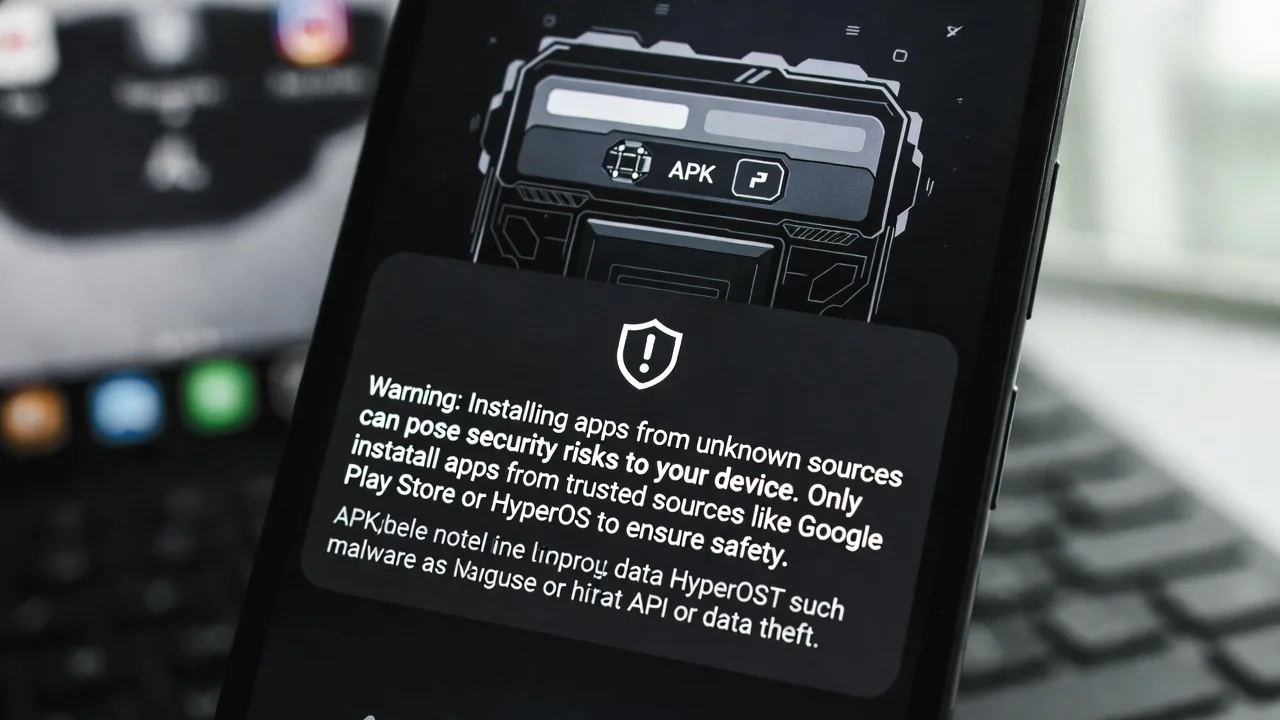
The core of this impending change comes straight from Google. Towards the end of 2025 and into early 2026, Google has openly confirmed the introduction of what they call a “high-resistance installation mode” for Android 16 and future versions. The big idea here is to add more “friction” to the process of installing APKs downloaded from the internet. Why? To better protect less experienced users from nasty stuff like malware, malicious apps, or unverified updates that could put your device at risk.
Matthew Forsyth, a director at Google Play, put it simply: the goal is to make sure users are fully aware of the risks when installing software from outside the official store. They’re not completely blocking sideloading – Google has been clear on that – but the journey is definitely becoming more of a bumpy ride. Expect things like:
- More Aggressive Warning Screens: These won’t be easily dismissed.
- Developer Approval Flags: Messages highlighting “lack of developer approval” and potential malware threats will be front and center.
- Multiple Confirmations: You might find yourself tapping “Are you sure?” or “Do you understand the risk?” several times.
- Farewell to One-Click Installs: The days of effortlessly tapping “install” are being replaced by extra steps.
This change is a big deal, especially for those of us who enjoy installing custom app ports (like different launchers or gallery apps from HyperOS on other devices), manually updating system apps, trying out region-locked apps, or grabbing APKs from trusted sources like APKMirror, GitHub, or various forums.
The HyperOS Connection: What Does This Mean for Xiaomi Users?
So, how does this specifically hit your beloved Xiaomi phone running HyperOS? Well, HyperOS (especially versions 2.0 and 3.0, which will be built on Android 15 and 16, respectively) already incorporates many of Google’s security layers. That’s because it needs to pass compatibility certification for Google Mobile Services (GMS). This tight integration means these new Google policies are inevitably making their way to our devices.
Here’s what users are already starting to notice on HyperOS devices:
- More Confirmation Steps: If you’re manually updating system apps like Google Play Services or Android Auto, you’re likely already seeing additional confirmation prompts and warnings.
- Increased Restrictions on Newer Models: Some recent models, such as the Xiaomi 14T Pro, the upcoming Xiaomi 18 Leaks series, or the Redmi Note 13/14 running HyperOS 2.0+, are reportedly facing extra blocks or restrictions when trying to install APKs that modify system components. Speaking of Redmi, check out the Redmi Note 15 Series: Xiaomi’s 2026 Mid-Range Powerhouses which will surely be affected.
- Sideloading with More Friction: The classic “allow unknown sources” option still exists (per app, not globally like in older MIUI versions), but it’s now paired with a lot more friction imposed by Google’s package installer.
For the average user who only occasionally installs an APK, these changes might barely register. However, for power users, modders, and anyone who relies on HyperOS APK sideloading for advanced functions, the process is becoming significantly slower and more annoying.
technology
Will Xiaomi Block Sideloading Entirely?
This is a big question on everyone’s mind! Officially, there’s no solid evidence that Xiaomi plans to completely ditch the ability to install APKs in HyperOS. In fact, many reports and leaks suggest Xiaomi won’t go for a total lockdown, unlike some rumors circulating in forums. The Chinese brand has historically been more permissive than competitors like Samsung or even Google when it comes to customization and sideloading, and they might even leverage this as a unique selling point.
However, we can’t ignore certain trends:
- Bootloader Unlocking Restrictions: Since 2025, Xiaomi has indeed been applying more stringent requirements and longer waiting periods for bootloader unlocking.
- HyperOS Optimizations: In HyperOS 2.0 and 3.0, there are already reports of certain system update APKs being blocked due to “HyperOS optimization.”
- Google Play Protect Integration: The deep integration with Google Play Protect policies means those extra warnings and steps will inevitably reach almost all devices. This also applies to generic Android devices.
What Can You Do as a User?
Don’t despair just yet! While the road might be a bit rockier, there are still ways to navigate these changes if HyperOS APK sideloading is crucial for your workflow:
- Stay Informed: Keep an eye on reputable sources like XiaomiTime, XDA, or Reddit (r/HyperOS, r/XiaomiGlobal) to see how these policies evolve with each new HyperOS version. Also, always be careful when dealing with unofficial ROMs, as discussed in Why Everyone Regrets Installing HyperOS China ROM on Their Xiaomi Phone in 2026.
- Consider Alternative Installers: Tools like Shizuku combined with advanced installation apps, or even the classic AOSP Package Installer (if you can enable it), might help circumvent some of the friction.
- Disable Optimizations (Use with Caution): In Developer Options, toggling off “MIUI/HyperOS optimization” can sometimes allow installations that would otherwise fail. Be warned though, this can potentially break other functions!
- Embrace the Warnings: In most cases, you’ll still be able to tap “Skip verification” or “Install anyway.” You’ll just have to do it more often.
- Custom ROMs: If sideloading remains absolutely vital for you, AOSP-based custom ROMs (like LineageOS, crDroid, etc.) often retain the classic Android behavior without as much friction. This delves into more advanced Mobile Technology territory.
The Takeaway
In a nutshell, this isn’t the absolute end of APK installations on HyperOS. Instead, it’s the end of an era where everything was simply “download → tap → install” without much thought. Both Google and Xiaomi are prioritizing security over convenience, and us power users will simply have to pay that price with a few extra clicks.
Do you miss the simplicity of MIUI 12 already? Because it’s probably not coming back anytime soon. It’s a new world for Smartphones, and adapting is key!




1 thought on “Say Goodbye to Easy Installs: The Shifting Sands of HyperOS APK Sideloading”