Xiaomi Book S 12.4 Review: Affordable Windows on ARM 2-in-1
Xiaomi Book S 12.4 Review: Your Accessible 2-in-1 with Windows on ARM
Hey, Xiaomi fans! Here at xiaomiforall.com, we’re always on the lookout for devices that bring top-notch technology to everyone without breaking the bank. Today, we’re diving deep into the Xiaomi Book S 12.4 review, Xiaomi’s first convertible tablet that promises a versatile Windows 11 experience powered by an ARM processor. If you’re curious about a sleek, portable 2-in-1 that could be your next daily driver, stick around.
Meet the Xiaomi Book S 12.4″: A Fresh Take on Portability
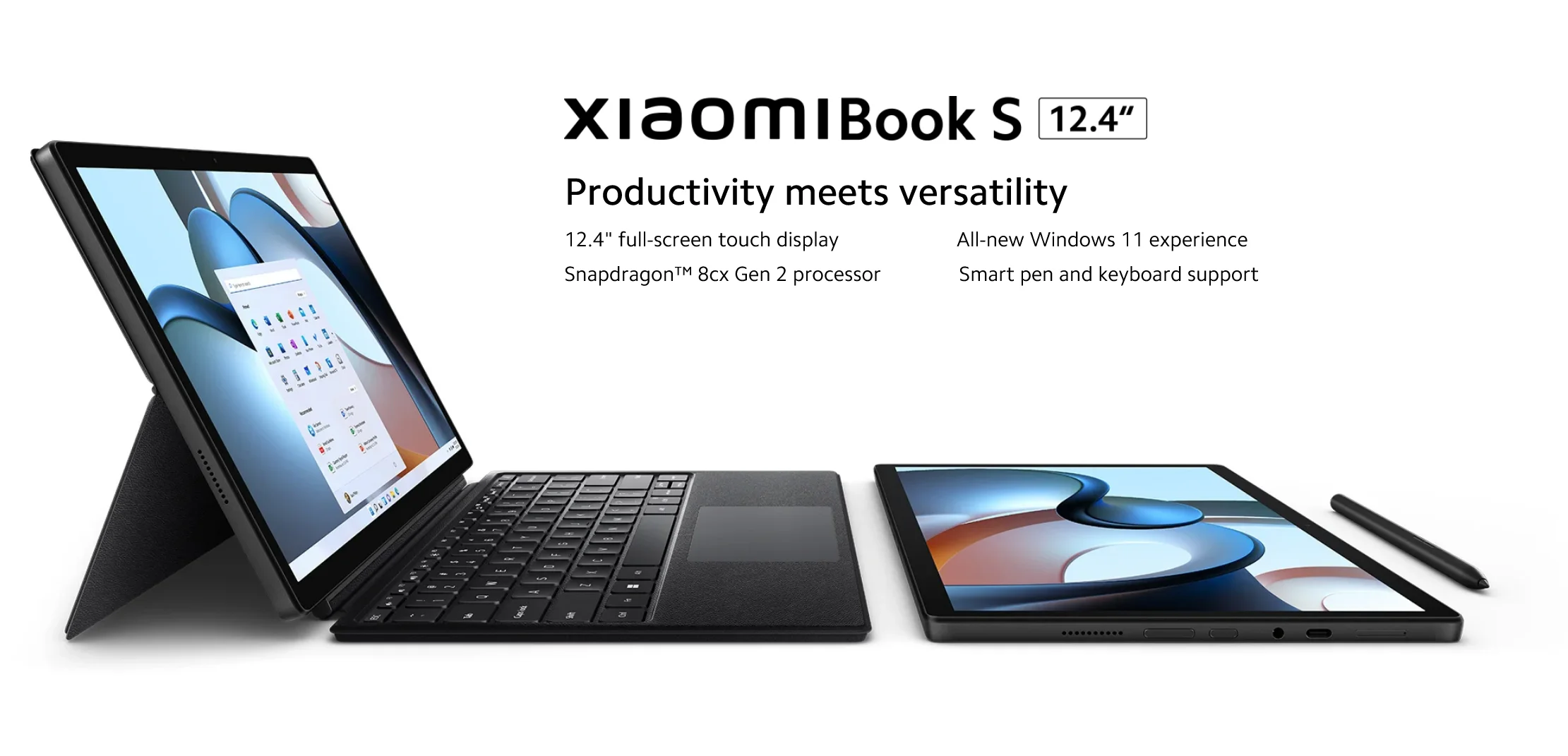
Back in 2022, Xiaomi threw its hat into the ring of convertible devices with the Book S 12.4″. This isn’t just any tablet; it’s a 2-in-1 hybrid, aiming to give devices like the Microsoft Surface Pro a run for their money by offering serious portability, impressive versatility, and a friendlier price tag. With its crisp 12.4-inch touchscreen, the Book S positions itself as a sweet spot for folks who need a lightweight machine for everyday productivity, enjoying some multimedia, and even tackling basic creative tasks.
In this deep dive, we’ll break down everything: its specs, snazzy design, real-world performance, battery life, and those all-important accessories. We’ve scoured expert opinions from tech giants like Xataka, ZDNET, Tech Advisor, and Notebookcheck, alongside invaluable user feedback, to give you the full picture. Even though its Snapdragon 8cx Gen 2 processor hails from 2020, this little Xiaomi gem remains surprisingly relevant in 2025 for non-demanding tasks, largely thanks to its awesome power efficiency and seamless integration with Windows 11. It’s truly a compelling Gadget Review for anyone eyeing a flexible computing solution.
Design and Construction: Elegance in Your Hands
The first thing you’ll notice about the Xiaomi Book S 12.4″ is its undeniably premium and minimalist design. Seriously, it looks and feels expensive without actually being so. Crafted from a durable aluminum-magnesium alloy, this device is a featherweight champion at just 720 grams and a slender 8.95 mm thick. That makes it incredibly easy to just grab and go – perfect for students rushing to class or professionals hopping between meetings.
Its dark grey finish is both understated and robust, featuring smooth, rounded edges that might remind you of a Surface Pro, but with Xiaomi’s own subtle flair. The screen is fortified with Gorilla Glass 3, giving you some peace of mind against daily bumps and scratches. It even snagged a Red Dot Design Award in 2022, a testament to its fantastic blend of form and function.
What’s really cool about this 2-in-1 is how it adapts to your needs with three distinct modes:
- Tablet Mode: Super light and comfy for reading e-books, browsing the web, or watching your favorite shows on the couch.
- Laptop Mode: Just snap on the optional magnetic keyboard, and boom – you’ve got a compact laptop ready for serious work.
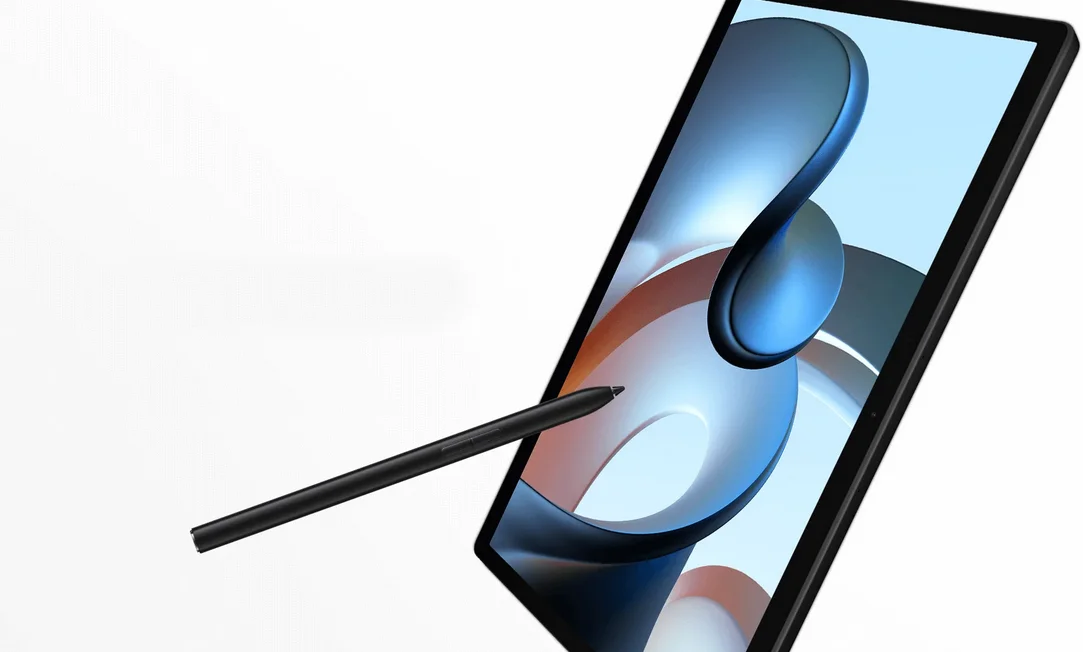
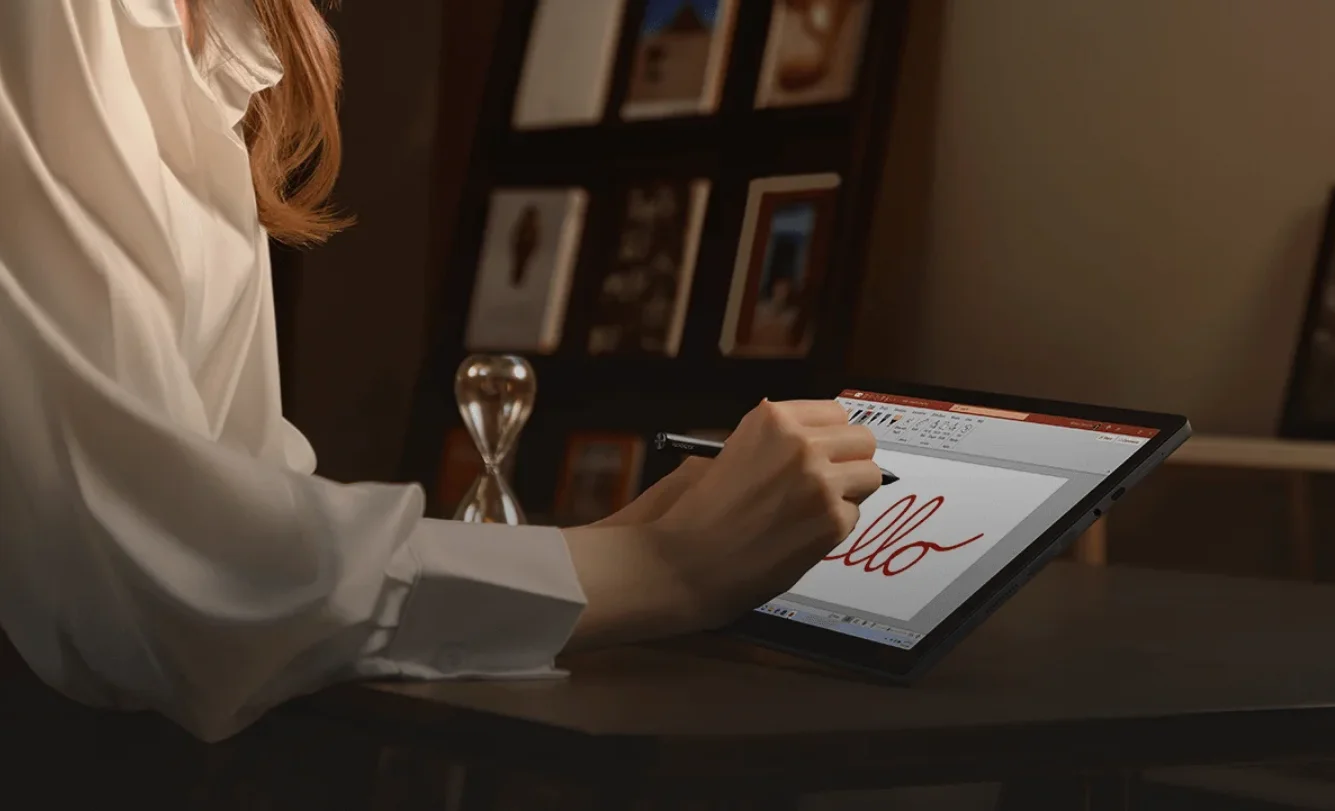
- Canvas Mode: Pair it with the Xiaomi Smart Pen, and it becomes an artist’s dream, ideal for sketching, doodling, or jotting down notes.
The integrated kickstand is a thoughtful touch, letting you adjust the viewing angle. While it’s handy, it’s not quite as flexible as what you might find on some of its rivals.
Compared to a Surface Pro, the Book S scores points for being lighter and more compact. However, it does lean towards minimalism when it comes to ports. You’ll find just a single USB-C (which handles charging and display output), a 3.5mm headphone jack, and a microSD card slot. It’s enough for most, but power users might miss a few options.
Snapdragon 8cx Gen 2
Screen: Bright, Beautiful, and Binge-Worthy
The display on the Xiaomi Book S 12.4″ is absolutely one of its standout features. We’re talking about a vibrant 12.4-inch LCD IPS panel that boasts a WQHD+ resolution (that’s 2560 x 1600 pixels) with a 16:10 aspect ratio and a sharp 244 pixels per inch. In plain English? It’s gorgeous!
Here’s what makes this screen tick:
- Brightness: A maximum of 500 nits, which means it’s bright enough for most indoor and even some outdoor use.
- Color Accuracy: With 100% DCI-P3 coverage, colors pop and are super accurate, making it great for everything from photo viewing to watching movies.
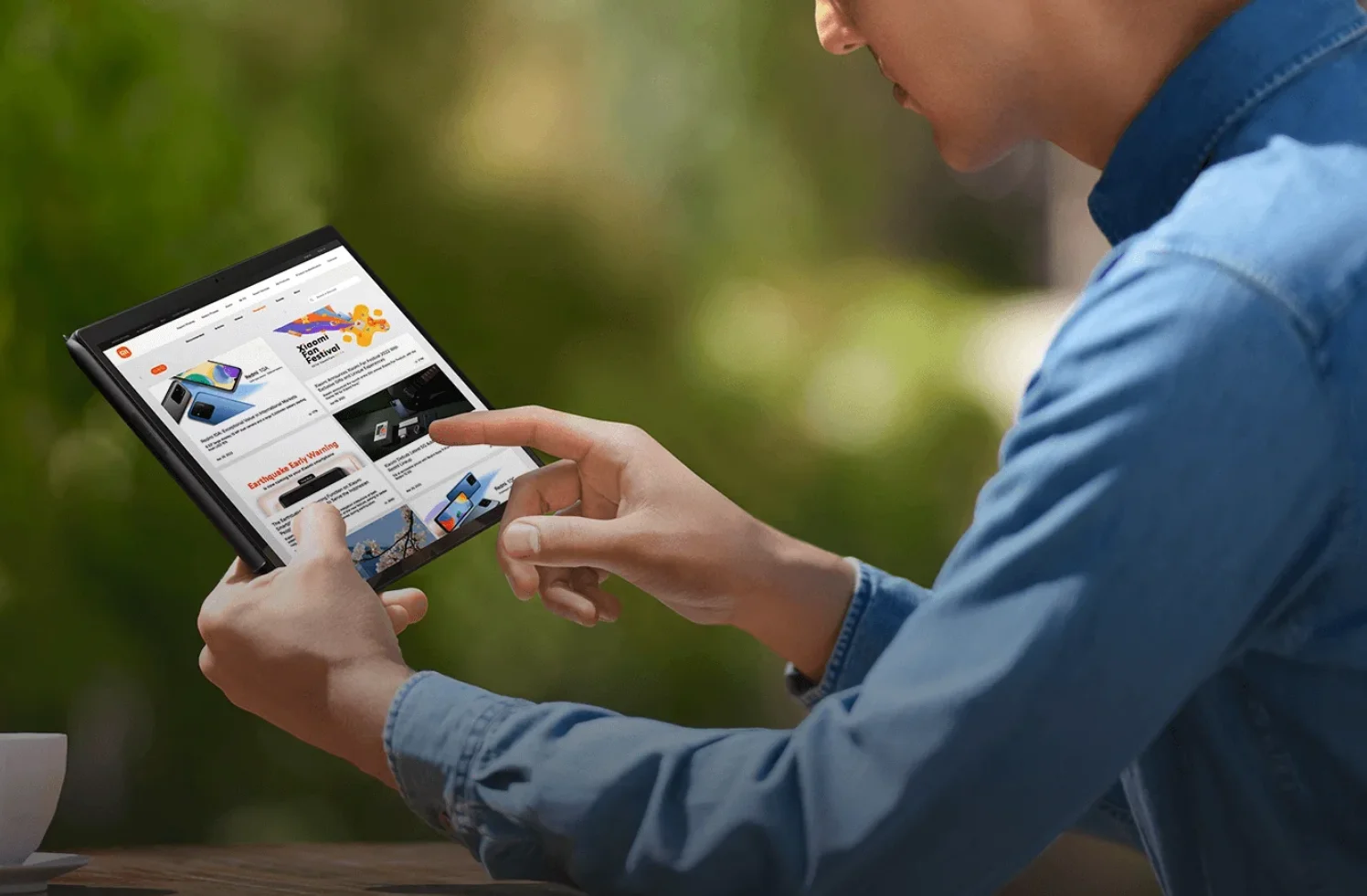
- Touch Responsiveness: It’s a 10-point multi-touch display, and it plays nicely with an active stylus, like Xiaomi’s own Smart Pen.
Experts at Tech Advisor and ZDNET have raved about it, calling it “large, bright, and enjoyable” for both work and multimedia consumption. However, it’s not without its compromises. It operates at 60 Hz, not the silky-smooth 120 Hz found on higher-end devices like the Surface Pro 8 or 9. You might notice this during rapid scrolling. Also, it uses an LCD panel instead of OLED, so don’t expect the inky blacks an OLED screen delivers.
But for streaming video, casually browsing, or even basic photo editing, this screen is more than up to the task, offering wide 178° viewing angles so everyone can enjoy the view.
Xiaomi Book S 12.4 review
Performance: Efficient, But Mind Your Apps
At the heart of the Xiaomi Book S 12.4″ is the Qualcomm Snapdragon 8cx Gen 2 processor. This 7nm octa-core chip can clock up to 2.84 GHz and comes with an Adreno 680 GPU. It’s paired with 8 GB of LPDDR4X RAM and a zippy 256 GB SSD for storage, which you can even expand via a microSD card.
Let’s break down the core components:
| Component | Specification | Comment |
|---|---|---|
| Processor | Snapdragon 8cx Gen 2 | Great for power efficiency, but modern Intel/AMD chips beat it for x64 emulation |
| RAM | 8 GB LPDDR4X | Ample for light multitasking; not for heavy-duty editing |
| Storage | 256 GB SSD + microSD | Fast and expandable up to 512 GB with a card |
| Graphics | Adreno 680 | Handles 4K video playback well, but don’t expect demanding gaming |
In real-world use, the Book S handles everyday tasks with commendable grace. We’re talking about Microsoft Office applications, web browsing with multiple tabs open, video calls on Zoom, and even a bit of light photo editing (think Photoshop running in ARM-native mode). Windows 11 on ARM has come a long way, significantly improving the emulation of x64 apps, meaning many of your go-to programs will run just fine. However, some older legacy software or specialized professional applications (like certain engineering tools or heavy video editors) might not run natively or could see reduced performance.
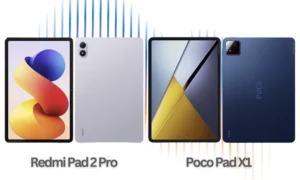
Users on platforms like Reddit often highlight that it’s a fantastic device for daily essentials, but they’d recommend looking elsewhere if your workflow relies on specific, non-ARM-optimized applications. When put through benchmarks, it does tend to trail behind Surface Pro models rocking comparable Intel generations. However, for everyday Smartphones tasks or light office work, it’s a champ. For other Tablets with strong performance, you might want to check out our Redmi Pad 2 Pro 5G: India Teased for Launch on Amazon & Flipkart article.
Battery and Charging: Theory vs. Reality
Xiaomi touts an impressive 13.4 hours of mixed use from its 4920 mAh battery. While that’s a great claim, independent tests give a more realistic picture:
- Video Playback: You’re looking at about 8-9 hours with medium brightness.
- Office Work: Around 10-12 hours of solid productivity.
- With Keyboard and Pen: Expect this to drop to 6-8 hours, as accessories naturally draw more power.
The good news is that it comes with a speedy 65W GaN charger, which can juice up the device to 100% in roughly 90 minutes. The ARM processor definitely contributes to its power efficiency, but naturally, heavy streaming or intense multitasking will chew through that battery faster.
Sound, Cameras, and Connectivity
Let’s talk about the extras that make a device complete:
- Speakers: You get stereo speakers that deliver surprisingly powerful and clear audio, making it great for enjoying multimedia content. You can even check out how Xiaomi addresses audio issues in our Xiaomi Dolby Audio Bug Fix Announced for HyperOS Devices post.
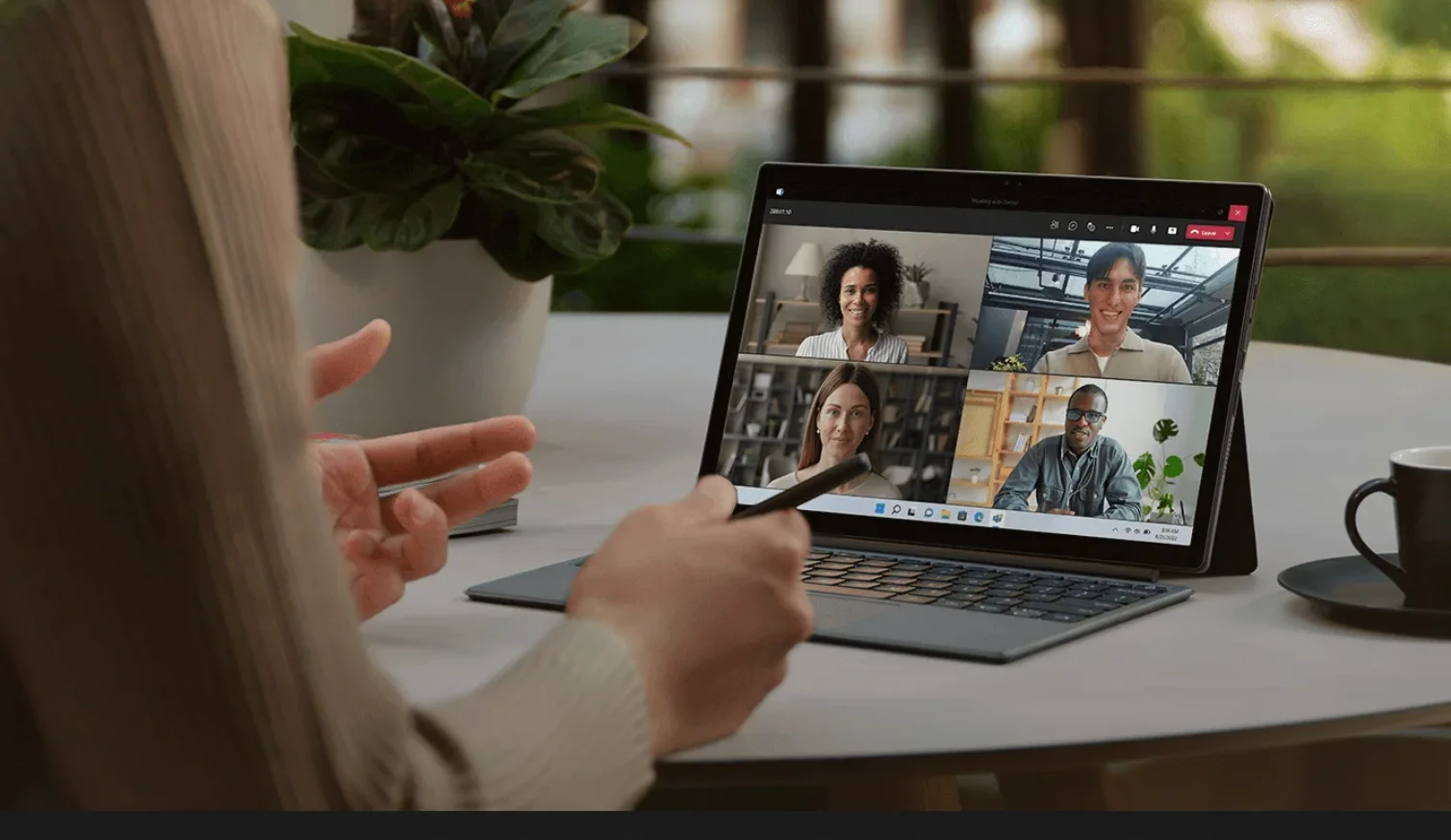
- Cameras: The rear 13 MP camera is decent for scanning documents or quick snaps, while the front 5 MP camera is perfectly fine for video calls, ensuring you look clear and presentable.
- Connectivity: It offers WiFi 5 (sadly, not the newer WiFi 6) and Bluetooth 5.1. While these connections are stable, they do feel a bit dated for a device in 2025. Unlike some Surface models, there’s no option for LTE or 5G connectivity.
Windows on ARM
Accessories: The Dynamic Duo (Sold Separately)
To truly unlock the “2-in-1″ magic of the Xiaomi Book S 12.4”, you’ll need its optional companions.
- Magnetic Keyboard: Priced around €149, this keyboard is a must-have. It’s backlit, features a precise trackpad, and the keys offer a comfortable typing experience. It magnetically attaches securely, transforming your tablet into a bona fide laptop.
- Xiaomi Smart Pen: Retailing for about €99, this stylus offers 4096 levels of pressure sensitivity, making it excellent for note-taking in apps like OneNote or getting creative with digital art.
Together, these accessories turn the Book S into a complete portable workstation. Just a heads-up, though: the keyboard doesn’t allow for the same variable viewing angles you might find on some Surface devices.
Pros and Cons: A Quick Look
Every device has its strengths and weaknesses, and the Xiaomi Book S 12.4″ is no exception.
Pros:
- Premium and Portable Design: It looks and feels fantastic, and it’s incredibly easy to carry.
- Excellent Screen for the Price: The display is bright, vibrant, and a joy for media consumption and light work.
- Good Battery Life for Light Tasks: The ARM processor ensures decent longevity for everyday browsing and office applications.
- Competitive Price: At around €600-€800 (with accessories, depending on market and deals in 2025), it offers great value.
- Silent Operation: No fans means no noise, making it perfect for quiet environments.
Cons:
- Limited Performance for Non-Native ARM Apps: While Windows 11 on ARM has improved, some x64 apps will still be slow or incompatible.
- Expensive Accessories (Sold Separately): The keyboard and pen add a significant chunk to the overall cost.
- Outdated Connectivity: WiFi 5 and limited ports feel a bit behind the curve for 2025.
- Real-World Battery Life is Lower Than Claimed: Especially with intense use or accessories.
- Limited Software Support from Xiaomi: Don’t expect long-term driver updates from Xiaomi itself.
How It Stacks Up: Comparison with Competitors
To truly understand where the Xiaomi Book S 12.4″ sits, it’s helpful to see it next to some rivals in the 2-in-1 space.
| Aspect | Xiaomi Book S 12.4″ | Microsoft Surface Pro 9 (ARM) | Huawei MateBook E |
|---|---|---|---|
| Processor | Snapdragon 8cx Gen 2 | Snapdragon 8cx Gen 3 or Intel | Snapdragon 8cx Gen 2 |
| Screen | 12.4″ LCD 2560×1600 60Hz | 13″ PixelSense 2880×1920 120Hz | 12.6″ OLED 2560×1600 60Hz |
| RAM/Storage | 8/256 GB | Up to 32/1 TB | 8/256 GB |
| Real Battery Life | 8-10 hours | 12-15 hours | 9-11 hours |
| Approx. Price | €700 (tablet only) | €1200+ | €800+ |
| Advantages | Price, portability | Better performance, ecosystem | OLED screen |
The Book S definitely wins on the price front and offers fantastic portability. However, it concedes ground in raw power and display refinement (especially that 60Hz refresh rate) when compared to the Surface Pro line. For those interested in Mobile Technology and other devices, check out our piece on the Redmi Note 15 Pro+ 5G Global: Price, Specs & Review.
Who Is This Device For? The Ideal User
The Xiaomi Book S 12.4″ isn’t for everyone, but it truly shines for specific types of users:
- Students: Perfect for taking notes, working on documents, attending online classes, and reading PDFs.
- Mobile Professionals: Great for managing emails, using Office suite apps, giving presentations, and video conferencing – as long as you don’t need heavy software like AutoCAD or Premiere.
- Multimedia Consumers: An excellent device for Netflix, YouTube, and casual web browsing.
- Frequent Travelers: Its lightweight design, decent battery, and tablet mode make it an ideal companion for entertainment on the go.
- Budget-Conscious Users: If you’re looking for a more affordable alternative to a Surface without sacrificing the full Windows experience, this is a strong contender.
It’s not ideal for hardcore gamers, professional video editors, or software developers who heavily rely on x86 native applications.
Xiaomi Book S 12.4 review
Conclusion: A Solid Pick for Light Users
So, after our comprehensive Xiaomi Book S 12.4 review, what’s the verdict? The Xiaomi Book S 12.4″ is a beautifully constructed and remarkably versatile convertible device that truly stands out for its fantastic value. While its ARM processor does put a ceiling on performance for demanding tasks, it delivers a wonderfully smooth experience for everyday computing, boasts an excellent screen, and is incredibly portable. Even in 2025, it remains a smart alternative to pricier rivals, especially if you can snag it during one of Xiaomi’s frequent promotions or deals. This makes it an ideal choice for anyone looking for a reliable Tech Reviews product without the hefty price tag.
We give it a general score of 7.8/10. Highly recommended for users who aren’t “power-users” and prioritize mobility and the familiar Windows ecosystem.
FAQs
Is the Xiaomi Book S 12.4″ compatible with all Windows apps?
Not entirely. It runs Windows 11 on ARM, which has improved x64 app emulation, but some older or specialized programs might not work or will have reduced performance. Apps from the Microsoft Store and those compiled natively for ARM generally run perfectly.
Does it come with the keyboard and pen included?
No, both are sold separately. The magnetic keyboard typically costs around €149, and the Xiaomi Smart Pen is about €99.
How long does the battery really last in actual use?
You can expect between 8-12 hours for office tasks or web browsing. Intense use, streaming, or having the accessories attached will reduce this to 6-8 hours.
Does it get hot?
No, thanks to its efficient, fanless processor, it generally remains cool and silent, even under light load.
Can I install Linux on it?
Currently, there isn’t stable native support for Linux, as the Snapdragon 8cx Gen 2 has limited support in recent kernels.
Is it better than a Surface Pro?
It depends on your needs. It’s more affordable and portable than a Surface Pro, but it’s generally inferior in raw performance and display features (60Hz vs. 120Hz). It’s ideal if you don’t need the extra power or higher-end screen features.
Will it still receive updates in 2025?
Windows 11 itself will continue to receive updates (for ARM devices until at least 2031). However, specific driver support from Qualcomm or Xiaomi might be more limited. Don’t expect the same long-term hardware-specific support you’d get with a Microsoft Surface device.