Boost Xiaomi Performance: Memory Extension Explained
Xiaomi Memory Extension feature. # Does Xiaomi’s Memory Extension Feature Really Boost Performance?
Ever spotted the “Memory Extension” option on your Xiaomi, Redmi, or POCO phone and wondered if it’s the real deal? This feature promises to convert a slice of your internal storage into extra RAM, supposedly making your phone run smoother. But is it a genuine performance enhancer, or just clever marketing? In this article, we’ll break down Xiaomi’s Memory Extension feature, explaining how it works, its pros and cons, and whether it’s worth enabling on your device. We’ll explore real-world user experiences and benchmark results to uncover the truth about Xiaomi’s Memory Extension feature.
What is RAM and Why Does it Matter on Your Xiaomi Phone?
Before diving into Memory Extension, let’s quickly recap RAM – Random Access Memory. Think of RAM as your phone’s “workspace.” It’s where your phone temporarily stores the data for apps you’re actively using – Chrome, Instagram, or a paused game. The more RAM you have, the more apps you can keep open without slowdowns.
Xiaomi phones come with varying amounts of physical RAM, like 4GB on entry-level models, 8GB on mid-range ones, and 12GB+ on flagship devices. The problem arises when you juggle too many apps. If your RAM fills up, the system starts closing the least used apps to free up space, leading to those annoying “reloads” when you switch back to them. That’s where Memory Extension comes into play, attempting to “extend” your RAM.
Understanding Xiaomi’s “Memory Extension” or “Extra RAM”
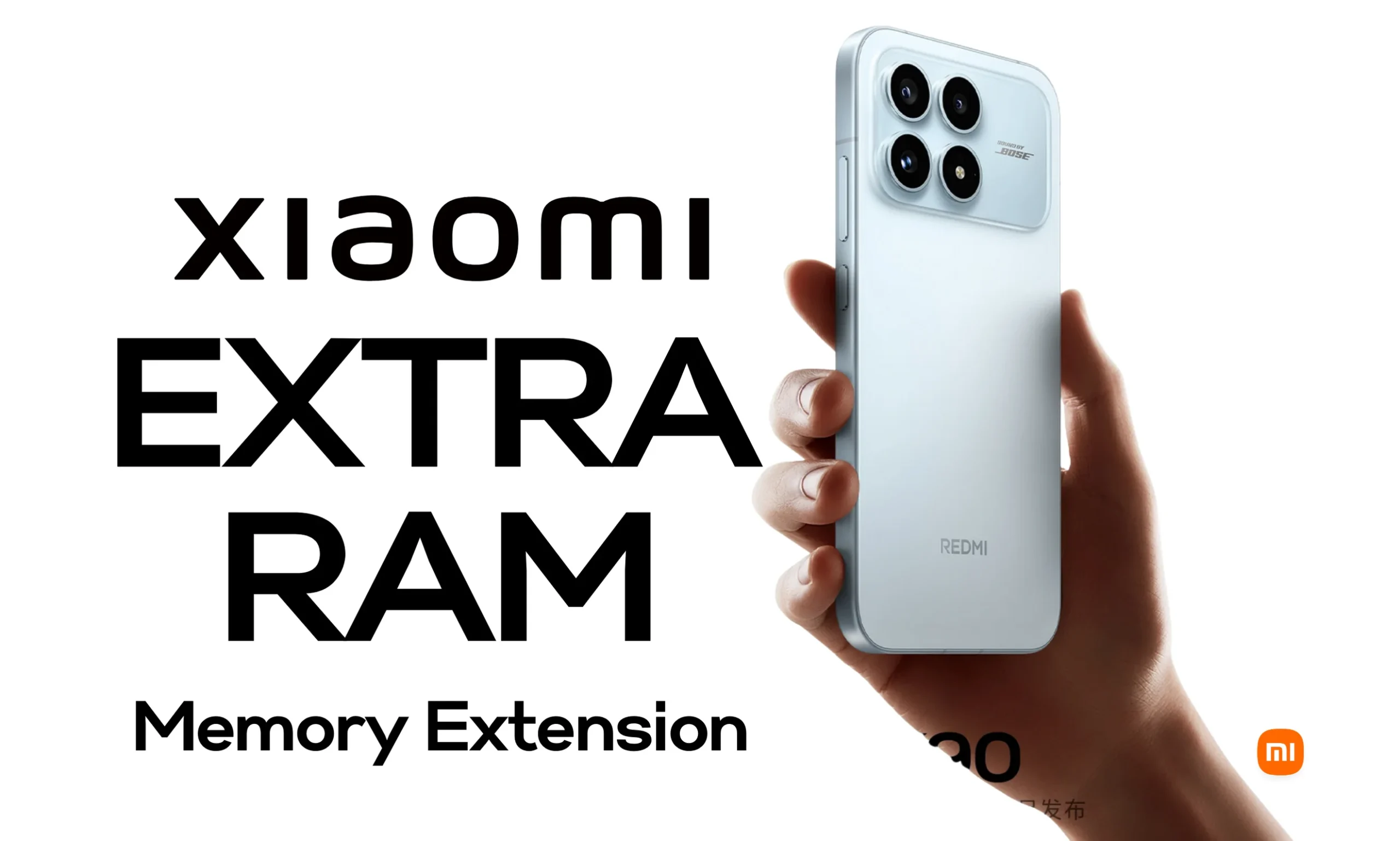
Imagine your desk (RAM) is cluttered with documents. You also have a large filing cabinet nearby (your phone’s internal storage, like 128GB or 256GB). Memory Extension is like using a drawer from that cabinet as extra desk space. The catch? That drawer is much slower to access than your actual desk.
In technical terms, this feature uses a portion of your internal storage (ROM) to create “virtual RAM.” It doesn’t physically add any RAM chips. Instead, it reserves, say, 2-3GB of your storage space and turns it into a “swap file.” Your operating system (Android-based MIUI or HyperOS) moves inactive app data to this virtual space when your real RAM is maxed out.
The amount added depends on your phone model. A 4GB Xiaomi might gain up to 3GB of virtual RAM, while an 8GB model could get 4-5GB. Flagships like the future Xiaomi 17 Ultra might even see up to 16GB of virtual RAM in HyperOS 3! But remember, it’s not “real” RAM; it’s an emulation. You can learn more about Xiaomi’s Memory Extension feature by visiting the official Xiaomi support page.
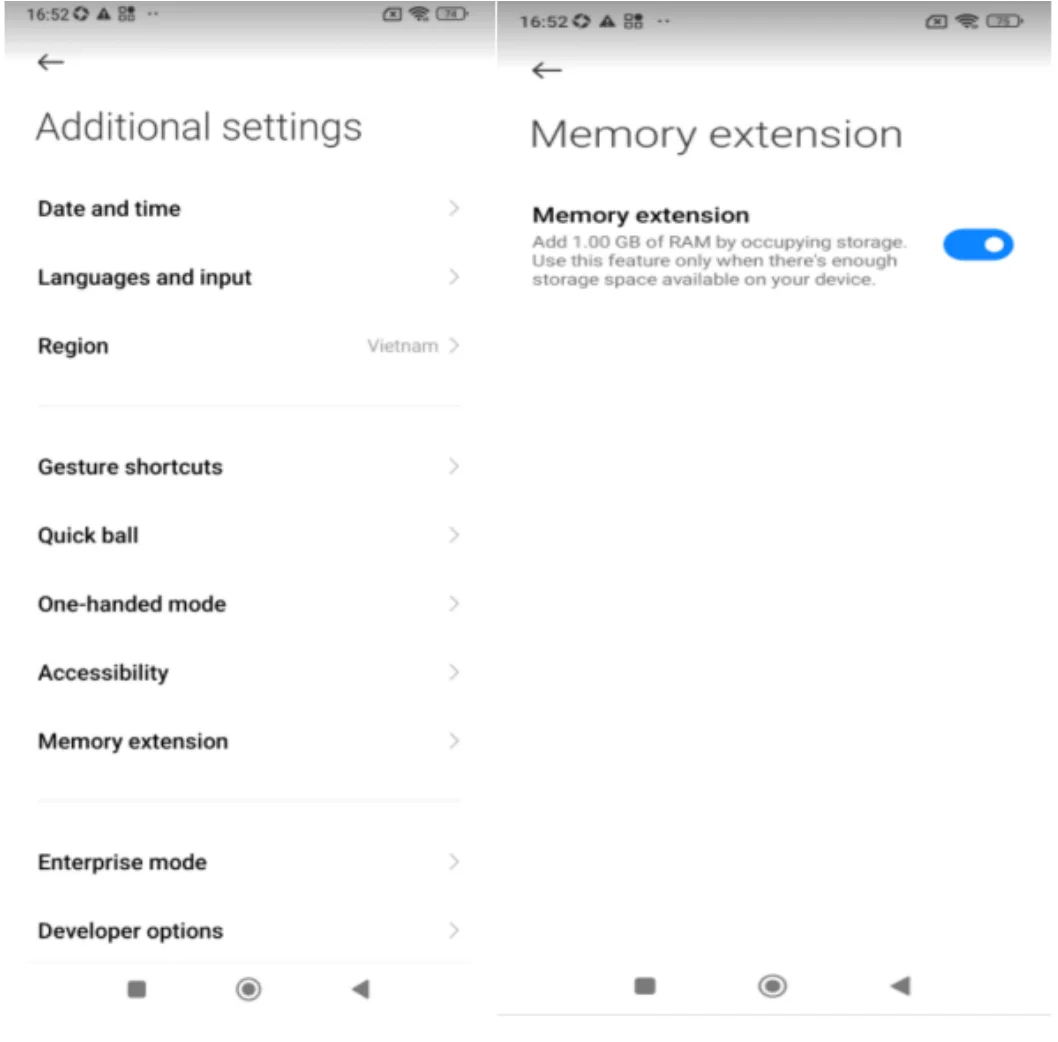
You can usually enable this feature under Settings > Additional Settings > Special Features > Memory Extension. Choose the amount (e.g., +3GB) and restart your phone. Simple, right? But how well does it really work?
How Memory Extension Works, Step-by-Step
Let’s visualize the process:
- Saturation Detection: When your physical RAM (let’s say 6GB) hits 90% capacity (from apps like WhatsApp, YouTube, a browser with tons of tabs, and a game), the system doesn’t immediately close apps. Instead, it moves “sleeping” data (like Instagram’s cached images) to the virtual storage.
- Read/Write: Now, when you switch back to Instagram, your phone reads the data from the “drawer” (storage). Internal storage (UFS or eMMC) is quick for storing photos, but significantly slower than RAM – up to 10-20 times slower for random access. The result: a slight delay, but the app doesn’t have to fully restart.
- Intelligent Management: In HyperOS, ZRAM (memory compression) helps optimize this process, but it’s still a workaround. It primarily affects background apps and shouldn’t impact the performance of active apps, like a game running in the foreground.
Think of it like having an assistant who fetches papers from a filing cabinet to your desk. It helps prevent you from losing anything, but if the assistant is slow, it takes an extra second to read each document.
Does It Actually Improve Performance? Real-World Testing
Here’s the crucial question: does Memory Extension actually boost performance? The answer is yes, in specific situations, but it’s not a magic bullet, and sometimes it can even make things worse. Don’t expect your phone to go from “sluggish” to “lightning fast”; it’s more of a “soft cushion” for multitasking. Let’s look at benchmark data and user reviews from sources like Reddit, XDA, GizChina, and XiaomiTime.
Benchmark Results:
- AnTuTu and Geekbench: In tests like AnTuTu (which measures CPU, GPU, and RAM), Memory Extension can add a 3-5% boost to the overall score on devices with 4-6GB of RAM. However, it can also decrease sequential read/write speeds by 5-10% as the storage gets congested. For instance, on a Redmi Note 11 (4GB RAM), enabling Memory Extension boosted multitasking by 15% (fewer reloads) but slightly lowered the GPU score due to latency.
- 3DMark and Gaming: It doesn’t improve FPS (frames per second) in demanding games like Genshin Impact, which heavily relies on physical RAM and the GPU. In a Burnout test on a Xiaomi 13, enabling Memory Extension even led to an extra 2-3°C of heat, triggering thermal throttling (reduced performance to prevent overheating).
Real-World Usage:
- On a Mi 10T Pro (8GB RAM), benchmarks showed app loading speeds increased by 10-20% with Memory Extension only when more than 10 apps were open. Otherwise, the difference was negligible.
- As gizchina.com explains, the benefits are not always obvious.
Android
User Opinions:
- On Reddit (r/Xiaomi), about 70% of users consider it a “gimmick” for models with 8GB+ RAM: “I don’t notice any difference, and sometimes it lags more” (e.g., on a Note 13 with 8GB).
- However, users with lower RAM devices (4GB) report positive experiences: “It saved my life for multitasking; now I can keep 15 apps open without them closing” (from a Note 9S user).
- Common downsides include: Increased storage wear (up to 70% slower write speeds in some tests), 5-10% faster battery drain (due to constant access), and laggy animations if the storage is more than 70% full. Some Xiaomi users have complained about this issue on Xiaomi’s EU community forums.
In summary: Memory Extension can improve fluidity in light multitasking (preventing reloads) but doesn’t boost overall performance (it won’t speed up games or heavy apps). It’s like adding training wheels to a bike: helpful on hills, but it won’t turn it into a motorcycle. You can find more information about MIUI on our website.
Who Benefits and When Should You Use It?
Memory Extension isn’t for everyone. Consider your daily usage:
| User Profile | Recommendation | Why | Ideal Cases |
|---|---|---|---|
| Low RAM (2-4 GB): Redmi 9A | Enable it (max +3 GB) | Your RAM gets full quickly, preventing constant app closures. Improves fluidity by 20-30%. | Basic multitasking (social media + messaging), browsing with many tabs. |
| Medium RAM (6 GB): Note 12 | Enable if you multitask heavily (+2-3 GB) | Balances well; you’ll notice a difference with several apps open. | School/work (docs + email + music), but not intense gaming. |
| High RAM (8 GB+): Xiaomi 14 | Disable it | You already have enough RAM; it adds unnecessary latency. | Gaming, video editing; prioritize raw speed. |
| Storage Full (>80%) | Disable it | It needs space for the swap file; if it’s unavailable, it can cause lag. | Anyone; free up storage first. |
When to use it:
- Yes: If you hate apps reloading when you switch between them (e.g., from TikTok to Maps). Ideal for users who use 10+ apps daily.
- No: When gaming (it can lower FPS due to latency), if your battery life is already short, or if you’re aiming for high benchmark scores (disable it for tests like AnTuTu).
Risks to consider:
- Wear and Tear: NAND storage has limited write cycles. Extra reads/writes can shorten its lifespan (years, not months, but it adds up).
- Heat & Battery: +5-10% more battery consumption in the background; more heat during extended sessions.
- Not a Miracle Worker: It won’t fix an old phone. If it lags due to the processor, this won’t help.
Conclusion: Is Memory Extension Worth It On Your Xiaomi?
Memory Extension does work, but mainly as a lifeline for multitasking on lower-end devices. It’s not the “performance boost” that marketing suggests; it’s a smart optimization to help a €150 phone compete with a €300 one in terms of the number of apps it can keep open.
If you have 4-6GB of RAM and use many apps, give it a try: enable it, use your phone for a day, and compare (check Battery settings to see if it drains faster). If you don’t notice any difference or it makes things worse, disable it – your phone will thank you with more speed and better battery life. Consider exploring other articles on our website for more information about Xiaomi devices.
Have a specific model in mind? Share it in the comments, and I’ll provide personalized tips. If you found this helpful, share it to help more Xiaomi enthusiasts! And remember to stay up-to-date with the latest in tech news for all things Xiaomi! You can also check out the latest POCO devices.







2 thoughts on “Boost Xiaomi Performance: Memory Extension Explained”