Xiaomi Hotspot HyperOS 2026: Master Your Connectivity Hero
Xiaomi Hotspot HyperOS 2026. # Transform Your Xiaomi into a Connectivity Hero: Master the Hotspot with HyperOS in 2026!
Imagine this: You’re on a road trip with friends, in an impromptu work meeting, at home with your Wi-Fi suddenly failing, or just trying to rescue a family member whose internet cut out right before the big game. What do you do? You pull out your Xiaomi and, in under 30 seconds, transform your phone into an ultra-fast, portable access point that saves the day! Sharing internet from your Xiaomi phone isn’t just a tech feature; it’s pure freedom, digital solidarity, and being the one with the solution when everyone else is disconnected. In a hyper-connected world where every gigabyte counts, mastering the Xiaomi Hotspot HyperOS 2026 feature makes you the tech guru of your circle. And the best part? With the advancements in HyperOS – the magical evolution of MIUI – doing it is more intuitive, efficient, and powerful than ever before.
In this comprehensive tutorial, updated for 2026, I’m going to guide you step-by-step to activate, configure, and optimize the hotspot on any Xiaomi, Redmi, or POCO device running HyperOS. Get ready to feel invincible.
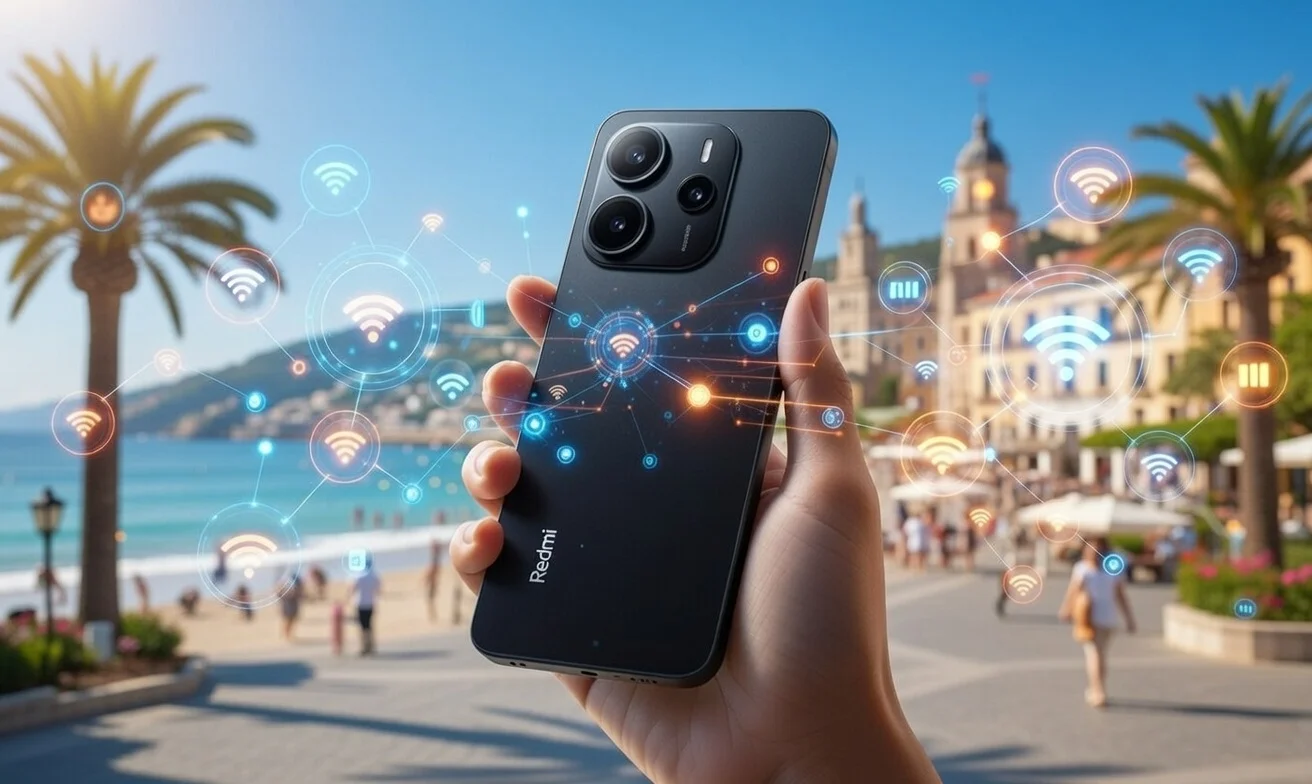
Why Sharing Internet is One of Your Xiaomi’s Most Useful Superpowers
Sharing your connection – known as a hotspot, tethering, or portable access point – means your phone uses its 4G/5G mobile data to create a private Wi-Fi network that other devices can connect to. It’s like having a personal router right in your pocket.
Real-Life, Game-Changing Advantages:
- Rescue Coworkers: When the office internet goes down, you become the hero, keeping productivity flowing.
- Family Connected on Vacation: Keep everyone online without paying for expensive hotel Wi-Fi.
- Work from Anywhere: Your laptop stays connected with your phone’s blazing-fast speeds.
- Emergency Lifeline: Perfect for power outages, fiber cuts, or long journeys where stable internet is crucial.
- Reduce Stress: No more relying 100% on slow or insecure public networks.
And with current Smartphones like the Xiaomi 14 series (or even the upcoming models like the Xiaomi 18 leaks), Redmi Note 14 (and the new Redmi Note 15 Pro 5G Series), POCO X7, and their successors, the experience is spectacular. We’re talking speeds of up to 1-2 Gbps on 5G, reduced battery consumption thanks to HyperOS, and advanced options that few people even know exist!
Step-by-Step Tutorial: Activate Your Xiaomi Hotspot (HyperOS 2025-2026)
Setting up your portable hotspot on HyperOS is a breeze. Let’s dive in!
Step 1: Access the Magic Menu
- Open Settings (the gear icon on your home screen or app drawer).
- Scroll down and look for Connection & sharing. (On some models, it might appear directly as “Networks & internet” or “Portable hotspot”).
- Tap on Portable hotspot.

5G
Step 2: Activate the Superpower
- You’ll see a prominent toggle labeled Portable hotspot or “Share internet via Wi-Fi.”
- Flip that switch to ON! Within seconds, your Xiaomi will create a Wi-Fi network with a default name and password.
Step 3: Customize Like a Pro (This is Where the Magic Happens!)
Tap on Set up portable Wi-Fi hotspot. Here, you can truly make your hotspot your own:
- Change Network Name (SSID): Give it an epic name like “XiaomiSavior,” “5G_XiaomiTurbo,” or “FamilySecretNetwork.” Avoid generic names to make it easy to spot.
- Set a Strong Password: This is critical for security! Aim for at least 8 characters, combining uppercase letters, numbers, and symbols (e.g., Xiaomi2026!Turbo). Never stick with “12345678”!
- Hide Network (Hide SSID): For maximum privacy. Anyone wanting to connect will need to manually type in your network name.
- Choose Band: Many Xiaomi devices let you force 2.4 GHz (better range, lower speed) or 5 GHz (faster speed, shorter range). Opt for 5 GHz if all connected devices are close by for the best performance.
- Limit Devices: Configure a maximum of 5-8 devices to prevent network saturation and maintain high speeds for everyone.
- Data Limit (Cool New Feature in HyperOS): This is a lifesaver! Set a data cap (e.g., 2 GB, 5 GB) so you don’t accidentally burn through your entire mobile data plan without realizing it. HyperOS keeps you in control.
Step 4: Connect Devices and Witness the Wonder
On the laptop, tablet, or a friend’s phone:
- Search for Wi-Fi networks.
- Select your personalized network name.
- Enter the password.
- Voila! Connected!
On your Xiaomi, you’ll see how many devices are connected and their real-time data consumption. Total control, just as HyperOS intended! For more insights into what’s coming, check out the Xiaomi HyperOS 3.1 Beta Recruitment post.
Xiaomi Hotspot HyperOS 2026
Other Advanced Ways to Share (Because Your Xiaomi Does More!)
Your Xiaomi isn’t just about Wi-Fi hotspots; it offers several other flexible sharing options:
- Share via USB (Tethering): Connect your phone to your PC with a cable, then activate “Share internet via USB” in the same “Connection & sharing” menu. This is ideal for laptops when you need maximum stability, lower latency, and zero extra battery drain from Wi-Fi broadcasting. It’s essentially a wired internet connection for your computer.
- Share via Bluetooth (Tethering): Slower than Wi-Fi or USB, but consumes very little battery. Perfect for low-data devices like smartwatches or specific accessories that only need occasional data access.
- Share Received Wi-Fi (Yes, You Can!): This is a clever one! If your Xiaomi is already connected to a Wi-Fi network, you can actually share that Wi-Fi connection with other devices without using your mobile data. Find this option under “Connection & sharing” > “Wi-Fi sharing.” It’s like a Wi-Fi repeater in your pocket!
Pro Tips to Make Your Hotspot Fly and Battery Last an Eternity
Maximizing your hotspot’s performance and battery life on your HyperOS device is key to being the ultimate connectivity hero.
- Activate High-Performance Mode ONLY When Sharing: Go to Settings → Battery → Performance modes. Temporarily switch to “High performance” for a speed boost, but remember to switch back to “Balanced” or “Battery saver” when done.
- Disable Background Data for Unnecessary Apps: While sharing, prevent hungry apps from consuming data and battery in the background. You can usually find this in individual app settings or global data usage settings.
- Smart Network Selection: Use 5G/4G+ if coverage is strong for blazing speeds. However, if your signal is weak or you’re conserving battery, consider switching to 4G in your network settings. A weaker signal means your phone works harder, draining more power.
- Lower Brightness + Disable Always-On Display: Simple but effective! Reducing screen brightness and turning off features like Always-On Display (AOD) can add an extra 20-30% of autonomy during long hotspot sessions.
- Connect Fewer Devices: Aim for a maximum of 4-5 devices to maintain optimal speeds for everyone. The more devices, the more the bandwidth is split.
- Monitor in Real-Time: HyperOS provides excellent real-time monitoring of data usage and connected devices right in the hotspot settings. Use it to keep track and prevent surprises.
- Always Update HyperOS: Every new version of Mobile Technology like HyperOS brings optimizations, improving hotspot efficiency, reducing heat, and extending battery life. Stay current with your Technology!

Connectivity
Conclusion: Your Xiaomi Isn’t Just a Phone, It’s Your Connected Command Center
In 2026, sharing internet isn’t just a “useful trick” anymore… it’s a declaration of intent. It means you’re prepared, you help those around you, and you master technology instead of letting it master you. The Xiaomi Hotspot HyperOS 2026 feature is more than convenience; it’s empowerment.
The next time someone says, “I have no internet,” smile, pull out your Xiaomi, and respond, “Don’t worry, I do.” Turn on the hotspot, share your network, and watch the atmosphere change. That collective moment of relief… it’s addictive. Are you ready to dominate this feature? Head to Settings now and become the hero of connectivity. Your Xiaomi is waiting to unleash its full potential.
Share this article with anyone who needs it! Because a timely activated hotspot can save plans, jobs, and even friendships.



2 thoughts on “Xiaomi Hotspot HyperOS 2026: Master Your Connectivity Hero”