Bloatware Xiaomi 2026: How to Remove Apps from HyperOS 2 & 3
If you’ve recently picked up a shiny new Redmi Note 15, Poco X7, or the latest Xiaomi 16, you’ve likely noticed a common frustration: Bloatware Xiaomi 2026 is still occupying precious storage space and cluttering your notification shade. Even though Xiaomi has refined the experience significantly in HyperOS 2.1 and 3.0, there are still between 35 and 50 pre-installed apps that power users often remove to get that clean, “Pixel-like” experience.

Understanding Bloatware Xiaomi 2026: Why Less is More
As we move through 2026, the software landscape has evolved. While the days of aggressive MIUI over-bloating are fading, the global versions of HyperOS still come bundled with telemetry tools and ad-supported apps like MSA and GetApps. Cleaning up your device doesn’t just free up 3-5 GB of storage; it often leads to a smoother, faster, and more private user experience.
Evolution of Pre-installed Apps
The following table shows how Xiaomi has streamlined its software over the years:
| Version | Pre-installed Apps | Safe to Remove | Storage Recovered |
|---|---|---|---|
| MIUI 14 (2023) | 85–105 | 48–55 | 7–10 GB |
| HyperOS 1.0 (2024) | 65–80 | 40–48 | 5–7 GB |
| HyperOS 2.1 (2025) | 55–70 | 38–45 | 4–6 GB |
| HyperOS 3.0 (2026) | 48–62 | 35–42 | 3–5 GB |
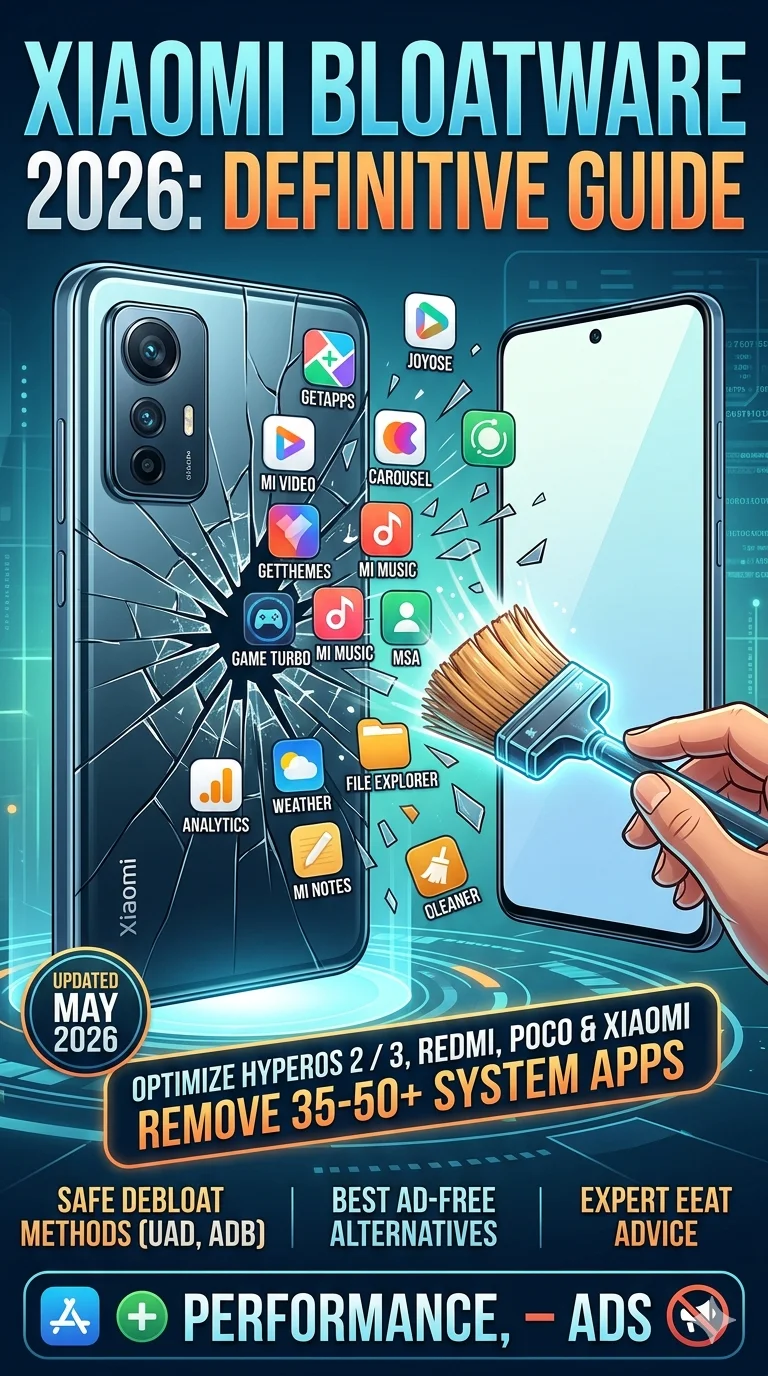
HyperOS Bloatware
Top 15 “Must-Delete” Apps for a Clean Experience
If you are tired of constant notifications or unwanted background data usage, these are the top targets for debloat. Always remember that removing these is highly recommended for users looking for peak technology performance.
- GetApps (com.xiaomi.mipicks): The source of endless notifications. Use Google Play instead.
- Joyose (com.xiaomi.joyose): Aggressive telemetry. We recommend disabling this for better privacy.
- Mi Browser (com.mi.globalbrowser): Often pushes ads. Switch to Brave or Firefox with an ad-blocker.
- MSA (com.miui.systemAdSolution): The core system ad engine. Removing this is a game-changer.
- Analytics Core (com.miui.analytics): Constant data tracking that you don’t need.
For those curious about the latest hardware, checking out the POCO F8 Pro Review or the Xiaomi 17 Max Review will show you how these high-performance devices shine once the software is fully optimized.
How to Safely Remove Bloatware in HyperOS 3.0
You don’t need to root your phone to clean it up. The most reliable method in 2026 is using Universal Android Debloater (UAD) or using simple ADB commands.
The Basic ADB Command
To remove an app for your user profile (the safest way), use this command via your PC:adb shell pm uninstall -k --user 0 <package_name>
Important: Before you start, make sure you have a backup of your data. If you accidentally remove a system component, you can restore it using adb shell cmd package install-existing <package_name>.
For those who want to see the full scope of Xiaomi’s evolution, it is worth reading about the transition from MIUI to HyperOS to understand why these system-level changes are happening.
My “Near-Pixel” Setup for 2026
After years of testing on Redmi and POCO devices, I’ve settled on this configuration for the cleanest experience:
* Launcher: Lawnchair 14
* Browser: Brave
* Archiving: Material Files
* Firewall: RethinkDNS (to block trackers)
By stripping away the unnecessary services, you typically see an improvement of 1.5 to 2.5 hours of Screen-on-Time. It’s a small effort that yields massive dividends in battery life and usability.
Final Thoughts
Managing Bloatware Xiaomi 2026 doesn’t have to be a headache. Whether you are using a mid-range Smartphone or a flagship model, the ability to tailor the OS to your needs is one of the best parts of the Android ecosystem. By following this guide, you ensure your device stays fast, private, and free from annoying ads. Remember to take it slow, keep your backups, and enjoy a much cleaner interface that lets your hardware truly shine.


6 thoughts on “Bloatware Xiaomi 2026: How to Remove Apps from HyperOS 2 & 3”