HyperOS 3 Battery Drain: Fixes for Xiaomi, Redmi & POCO in 2026
Hey there, Xiaomi fans! If you’ve recently updated your beloved Xiaomi, Redmi, or POCO device to HyperOS 3, and you’ve noticed your battery is giving up the ghost way faster than it used to, you’re definitely not alone. This HyperOS 3 battery drain issue is a hot topic, and we’re here to break down exactly why it’s happening and, more importantly, how to squash it.
Understanding the HyperOS 3 Battery Drain Conundrum
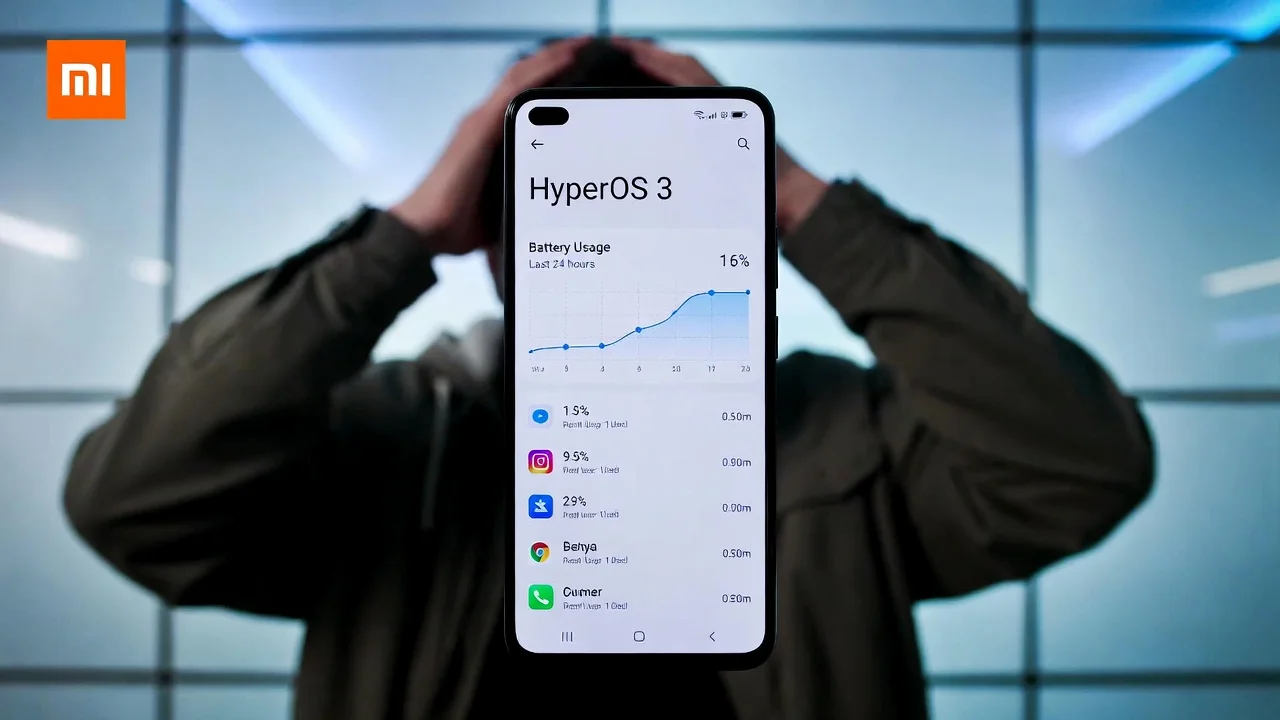
It seems like every other post on Xiaomi forums and Reddit is about battery woes on HyperOS 3. Users with devices from the Xiaomi 15 series, POCO X7 Pro, and the ever-popular Redmi Note range are reporting significant drops in battery life, especially when their phones are just sitting idle. We’re talking about:
- Standby drain: Losing 2-3% of battery every hour, sometimes even more, which feels pretty jarring.
- Reduced Screen-On Time (SOT): What used to be a solid 7-9 hours can now be a struggle to hit 4-6 hours.
- Overnight drains: Waking up to find your phone has lost 10-20% or more overnight is a real bummer.
- Occasional overheating: Some users are reporting their devices getting warm even during light usage.
The good news is, this isn’t usually a sign of your phone’s battery hardware going kaput. In most cases, it’s a software hiccup that can be fixed with a few tweaks and a bit of patience. Let’s dive into the nitty-gritty of why this is happening and what you can do about it.
Real Reasons Behind HyperOS 3 Battery Drain
Xiaomi’s HyperOS is a significant leap, and with major updates, there’s often a period of adjustment for your device.
The Post-Update Optimization Phase
When you install a big update like HyperOS 3, your phone goes through a heavy background optimization process. Think of it as your phone getting reacquainted with all its apps and system files. This involves tasks like re-indexing apps, rebuilding system caches, and training AI models. Xiaomi themselves acknowledge this can take anywhere from 24 to 72 hours (and sometimes a bit longer) and can lead to temporary spikes in battery consumption, heating, and a bit of sluggishness. Many users report seeing a noticeable improvement after about 3-5 days of normal phone usage.
Standby & Idle Wakelocks
Modern smartphones have a lot of features that keep them “awake” even when you’re not actively using them. Aggressive always-on features, high refresh rates, constant 5G scanning, and background processes from apps and Google Play Services can prevent your phone from entering its deepest sleep states. This is a common culprit for that annoying HyperOS 3 battery drain in standby mode. On devices like the Xiaomi 15 Ultra, this idle drain can reach up to -1.15W, translating to that 2-3% per hour loss.
Bugs in Early HyperOS 3 Builds
Sometimes, especially with newer software, there can be a few teething problems. Early builds of HyperOS 3 might have specific bugs, like telephony wakelocks (especially common on MediaTek-powered devices experiencing VoLTE issues) or glitches in the system launcher that cause unexpected app usage spikes. The good news here is that Google’s February 2026 Play System updates are already rolling out fixes that address battery and network performance.
AI & New Features Eating Power
HyperOS 3 brings a host of new AI-powered features, and with deeper integration, these can initially consume more power. Features that perform on-device processing or are always listening for commands need more juice until they’ve learned your usage patterns and optimized their operations.
Redmi
Top Fixes for HyperOS 3 Battery Drain (Tested & Working in 2026)
Alright, let’s get down to business! Here are the most effective ways to combat that HyperOS 3 battery drain. Try these in order, starting with the simplest.
Give It Time & Force Optimization
Seriously, this is the most important first step.
- Charge to 100% overnight: Leave your phone plugged in for at least 8 hours. This allows the system to complete its initial optimization cycle.
- Use your phone normally for 3-5 days: Don’t obsess over the battery percentage. Just use your phone as you usually would. Most users see their SOT return to normal levels after this period.
Update Everything, Absolutely Everything!
Updates are your best friend when it comes to fixing bugs and improving performance.
- Check for HyperOS Patches: Go to
Settings > About phone > System updates. Make sure you’re on the latest available build. Recent patches, like 3.0.5.0 or 3.0.6.0 on some models, specifically address battery drain issues. - Update Google Play System: Navigate to
Settings > Security > Google Play System Update. Ensure you have the latest version installed. The v26.06 update from February 2026 is known to include significant battery optimizations. - Update All Apps: Open the Google Play Store and update all your installed applications. Sometimes, outdated apps can cause compatibility issues and drain battery.
Battery & Performance Tweaks
These are the manual adjustments you can make to fine-tune your phone’s power consumption.
- Enable Battery Saver or Ultra Battery Saver: When you know you’ll need your battery to last longer, these modes can make a big difference.
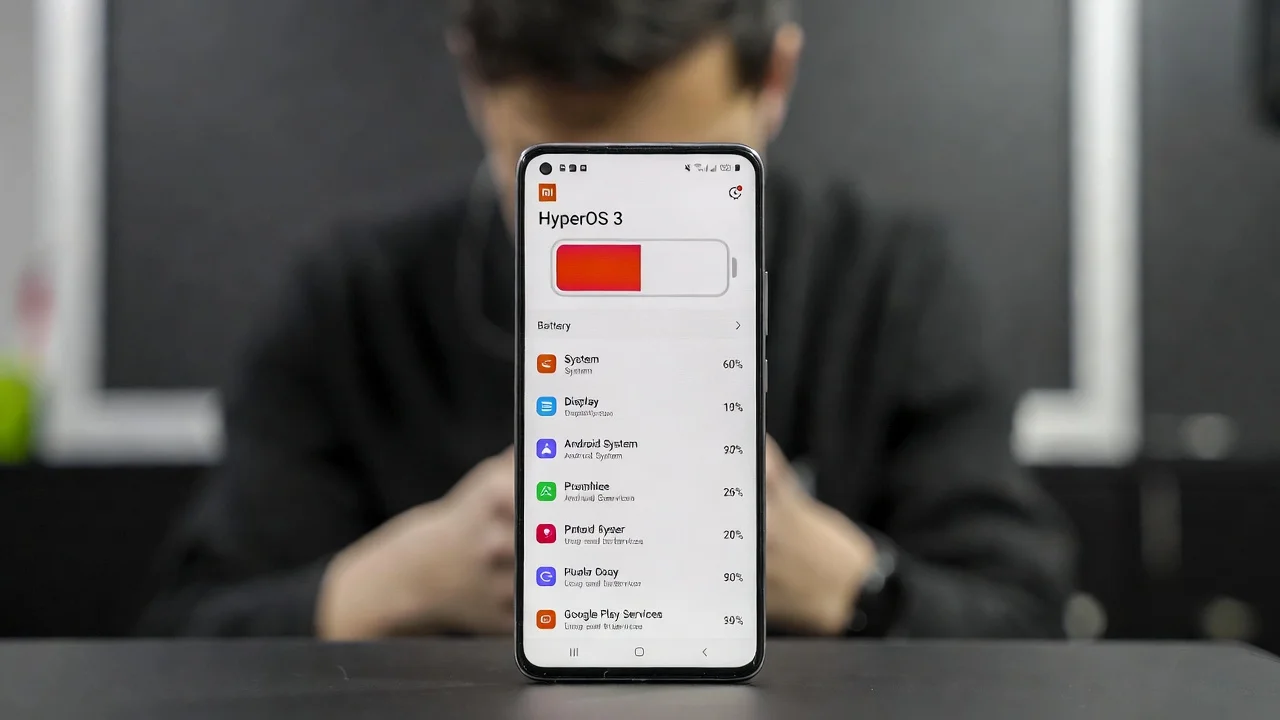
- Restrict High-Drain Apps: Go to
Settings > Battery > Battery usage. Here, you can identify apps that are consuming a lot of power in the background and set limits on their background activity. Social media apps and navigation tools are common culprits. - Tweak Always On Display (AOD): If you use AOD, consider turning it off, setting it to “tap to show,” or reducing its complexity.
- Lower Refresh Rate: Switch your display’s refresh rate to 60Hz instead of the default 120Hz. You can find this in
Settings > Display > Refresh rate. This can significantly save battery, especially during general usage. - Embrace Dark Mode: If your phone has an AMOLED display, using Dark Mode and a black wallpaper is a massive battery saver.
- Disable Unnecessary Always-On Features:
- Turn off Bluetooth and Wi-Fi scanning when not needed.
- Adjust Location settings from “High Accuracy” to “Battery Saving.”
- Consider switching from 5G to 4G/LTE if 5G reception is spotty in your area.
- Revoke Unused Permissions: Go through your apps and revoke any permissions they don’t strictly need.
Advanced Community Fixes
For those who are comfortable delving a bit deeper, these community-tested fixes have helped many users.
- For MediaTek Devices (VoLTE Fix): If you have a Redmi or POCO device with a MediaTek processor, disabling VoLTE can often fix persistent telephony wakelocks. You can usually do this in your phone’s dialer settings or by using the dialer code
##4636##. - Clear Cache for Core Apps: Navigate to
Settings > Apps > Manage appsand clear the cache for “Google Play Services” and “System Launcher.” - Battery Calibration (Old but Sometimes Effective): This is an older trick but can occasionally help. Drain your battery completely to 0%, then charge it uninterrupted to 100%. Repeat this 1-2 times.
- Debloating (For Rooted Users): If you’re comfortable with rooting your device, using Magisk modules or following safe debloating guides on XDA Developers or Reddit can remove unnecessary system apps and telemetry that might be draining your battery.
Last Resorts
If none of the above works, don’t despair. There are a couple more drastic steps.
- Factory Reset: This is the nuclear option, but it often resolves persistent software issues. Make sure to back up all your important data first! After a factory reset, immediately install all available updates before restoring your apps. Many users regain full battery life after this process.
- Report the Bug: If your device continues to drain excessively after 1-2 weeks and you’ve applied all the latest updates, it’s time to report it. Go to
Settings > Additional settings > Developer options > Bug reportand submit a detailed report to Xiaomi. Include your device model and build number.
Expected Battery Life on HyperOS 3 (After Optimization)
Once your device has settled into HyperOS 3 and you’ve applied the necessary fixes, you should expect to see the following SOT figures:
- Flagships (e.g., Xiaomi 15/14 Ultra): 8-10+ hours with mixed usage.
- Mid-rangers (e.g., POCO X7, Redmi Note 14/15): 7-9 hours with mixed usage.
If you’re still getting significantly less than this, it’s highly likely one of the fixes above will help.
Wrapping Up
The HyperOS 3 battery drain is a real issue, but it’s not insurmountable. Xiaomi is actively working on patches and optimizations, and Google’s system updates are also contributing to stability. By following these steps, you should be able to get your device back to its power-efficient self.
If your phone is still struggling, don’t hesitate to share your specific model and build number in the comments below. Let’s help each other out and see if we can identify any specific variant issues. And hey, if you’ve got the leaked HyperOS 4 list handy, hold tight – things are looking promising for even better stability in the future!
(Pro tip: For a deeper dive into what’s eating your battery, consider using apps like AccuBattery or the built-in battery usage stats to pinpoint the real culprits.)