How to Setup and Pay with the Xiaomi Smart Band 10 Pro NFC (2026)
How to Setup and Pay with the Xiaomi Smart Band 10 Pro NFC: 2026 Guide
The Xiaomi Smart Band 10 Pro NFC has quickly become one of the most sought-after wearables across Europe and the UK, blending premium aesthetics with the convenience of contactless technology. As the company pushes its “Your wallet, simplified” philosophy, many users are looking to master the art of leaving their physical cards at home. In this guide, we will walk you through exactly how to set up and pay with the Xiaomi Smart Band 10 Pro NFC so you can breeze through your daily errands.

Understanding the Xiaomi Smart Band 10 Pro NFC Landscape
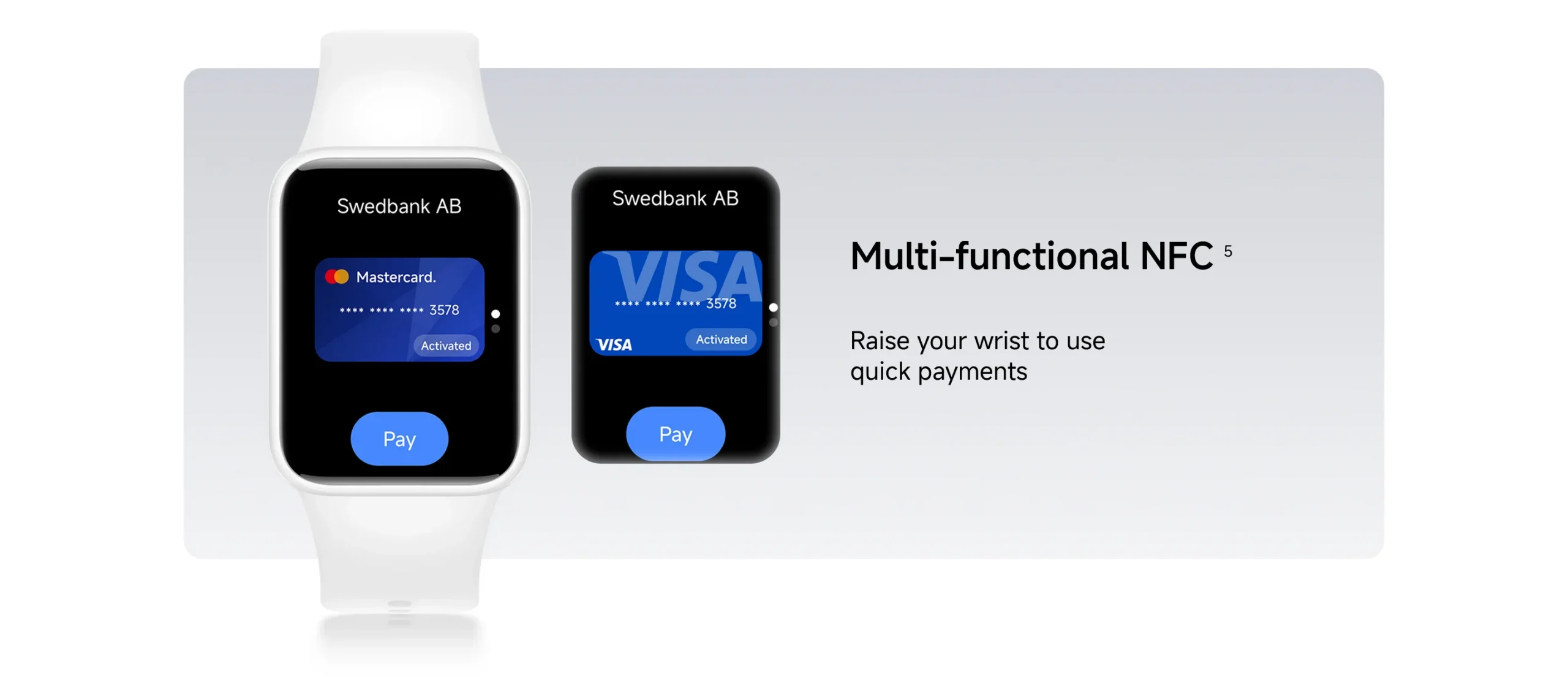
Before we dive into the technicalities, it is essential to clarify that the NFC experience on Xiaomi devices is distinct from the ecosystem found in China. Unlike some competitors that integrate directly with Google Wallet, Xiaomi uses its own “Xiaomi Pay” platform. While this offers a secure, tokenized way to shop, it requires a bit of configuration, especially regarding bank compatibility.
If you are looking for a reliable wearable that balances health tracking with smart payments, this device stands out in the Wearable market. Whether you are coming from a traditional Smartphone setup or looking to upgrade your current Gadgets, the learning curve is minimal.
Pricing and Global Availability
As of June 2026, the device is readily available at official Xiaomi stores, Amazon, and major retailers. Ensure you are purchasing the specific “NFC” version, as the standard model lacks the hardware for contactless transactions.
| Model | Price (Approx.) | NFC Support |
|---|---|---|
| Standard (Aluminium) | £69.99 / €79.99 | No |
| Ceramic Edition | £84.99 / €99.99 | Yes |
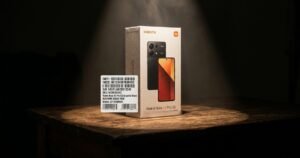
Note: Always verify the model number on the packaging to ensure you have the NFC-enabled unit.
Step-by-Step: Initial Configuration and Pairing
Getting started is a straightforward process that should take you less than 15 minutes. Ensure your Android device or iPhone is running the latest version of the Mi Fitness app.
- Charging and Syncing: Charge your band fully. Once powered on, open the Mi Fitness app and sign in with your Xiaomi account.
- Pairing: Navigate to Device > Add Device and select the Smart Band 10 Pro. Follow the on-screen prompts to establish the connection.
- Firmware Updates: It is crucial to perform all pending firmware updates. These updates often include the latest security patches and NFC banking profiles necessary for the system to function correctly in your region.
- Security Setup: For your protection, the app will require you to set a 4-digit PIN. This is mandatory for using NFC payments and ensures that even if you lose your band, your finances remain secure.
For those interested in optimizing their device, you can learn more about managing your HyperOS settings or removing unwanted Bloatware to improve performance and battery life.
Configuring Payments via Xiaomi Pay and Curve
If your primary bank is not on the official list, do not worry—you are not alone. Many users across Europe and the UK rely on a clever workaround to get around the limited bank compatibility.
Using Curve as your Universal Solution
The most stable way to ensure your Technology works everywhere is by using the Curve app.
* Create a Curve Account: Add your existing Visa or Mastercard to the Curve app.
* Virtual Card: Curve will generate a virtual Mastercard.
* Add to Band: In the Mi Fitness app, under the “Wallet” or “NFC Payments” section, add this Curve Mastercard.
Because Curve acts as a proxy for almost any bank, it allows your Xiaomi Smart Band 10 Pro NFC to function at nearly every contactless terminal in Europe, from your local grocery store to public transport systems.
How to Pay in Stores: The Daily Experience
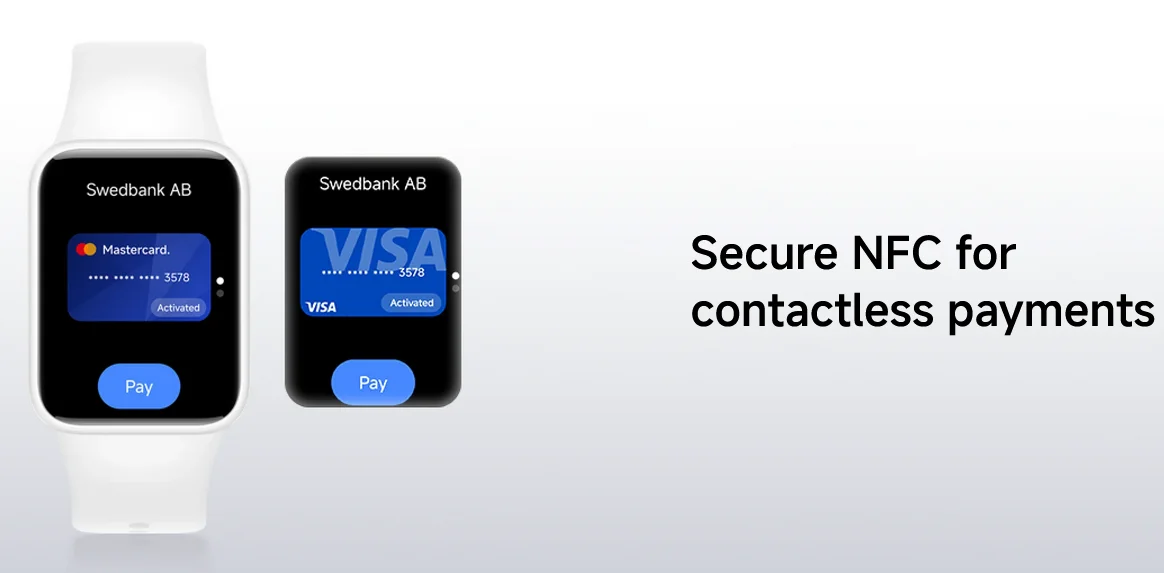
Once configured, the process of paying is incredibly intuitive. You don’t need your phone to complete a transaction.
- Wake and Unlock: Simply lift your wrist or tap the screen. If prompted, enter your 4-digit PIN.
- Select Wallet: Swipe left until you see the Wallet or NFC icon.
- Tap and Go: Bring the underside of the band within 2-4 cm of the card reader. You will feel a slight vibration once the payment is successful.
Is It Secure?
Absolutely. The device uses “Tokenization,” meaning your actual card data is never stored on the band itself. Instead, it uses a unique encrypted code for every transaction. If you lose your device, you can instantly wipe your payment information via the Mi Fitness app on your phone.
Frequently Asked Questions
1. Is Xiaomi Pay the same as Google Wallet?
No, it is a completely separate system. You must add your cards manually into the Mi Fitness app; simply having them in Google Wallet will not bridge them to the band.
2. Can I use Visa cards?
Compatibility for Visa is limited compared to Mastercard. Using a Curve Mastercard is the most reliable method for almost all users in the UK and EU.
3. Does it work on public transport?
Yes. Whether you are using the Tube in London or the bus systems in Madrid, as long as the terminal accepts contactless Mastercard, the band will work.
4. Why is my bank not showing up?
Xiaomi negotiates bank-by-bank agreements. Check the official Xiaomi NFC support list regularly, as they update it frequently.
5. What happens if I lose my band?
Immediately log into your Mi Fitness account from your phone and remove the linked cards. This will instantly disable payment capabilities on the device.
6. Does NFC affect battery life?
Using the NFC function consumes a negligible amount of power. With normal usage, you can still expect roughly 10-14 days of battery life, even with daily transactions.
Conclusion: Is the Smart Band 10 Pro NFC Worth It?
If you value a lightweight, feature-packed wearable that helps you streamline your day, the Xiaomi Smart Band 10 Pro NFC is a stellar choice in 2026. While the banking ecosystem requires a bit of manual setup compared to global competitors, the ability to leave your wallet at home is a game-changer. By using services like Curve, the device becomes a universal tool for your daily transactions. It is a perfect companion for those keeping up with the latest Tech News and looking to integrate Innovation into their daily routine.

1 thought on “How to Setup and Pay with the Xiaomi Smart Band 10 Pro NFC (2026)”